Virtual drawing with Raspberry PI by hand movements
Screenshot twitter.com
The Raspberry PI is an excellent instrument for both technically experienced people and creative artists. The project uses image recognition by OpenCV to capture the user’s hand movements. that >>Virtual Drawing<< detects the index finger and follows its movement leaving a color track behind the fingertip so that the user can draw. Colors can be selected using virtual buttons at the top of the screen.
Operation and Functions
There is also a button to delete the current image and start with a new color palette. The aim of this project was not only to develop an entertaining project, but also to create a tutorial that can offer support to both beginners and experienced hobbyists.
Learning Content and Application
By following the instructions, users can gain insights into the application of tools such as OpenCV and Mediapipe in the field of artificial intelligence.
Hardware and technical requirements required
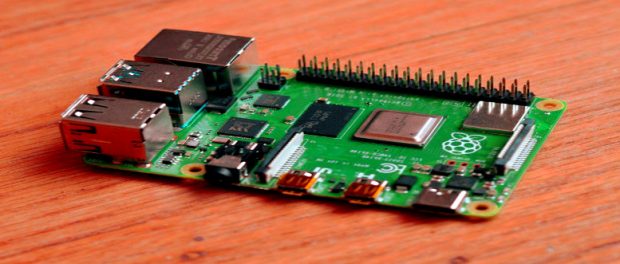
Another advantage of this project is that little hardware is required to set it up. a raspberry PI with an SD card and a power supply is enough; In addition, only one camera is required. A camera module or a USB webcam is sufficient as long as they are compatible.
Code and Resources
The code is written in Python and was posted on GitHub so anyone can download and explore it. In addition, OpenCV and MediaPipe are required for the project’s image recognition functionality.

 Screenshot twitter.com